Animate photos with AI
Our AI photo animator turns old prints, selfies, pets and paintings into short videos. Upload a picture, pick a motion, and download the clip in about two minutes. Your first one is free.
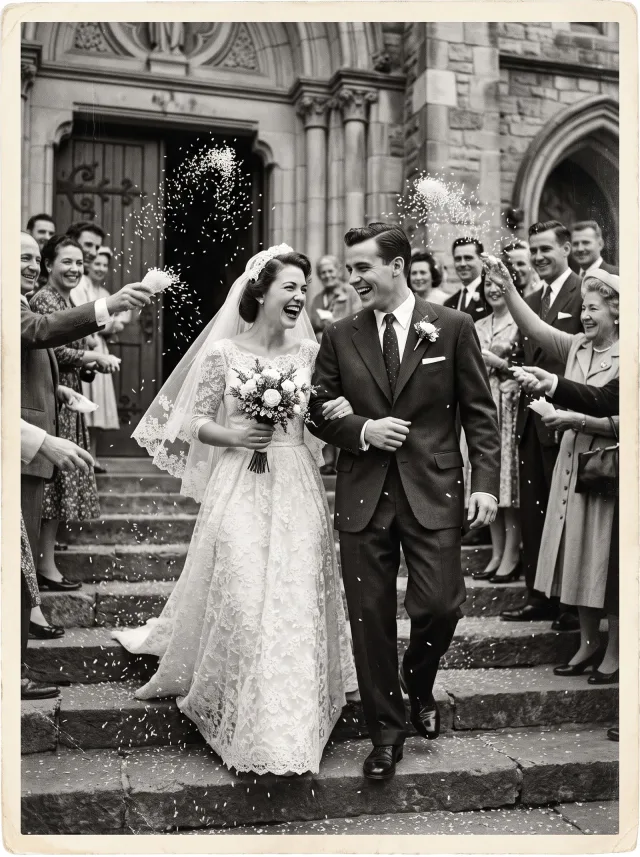

Animated photos, made from real pictures
Each clip started as the print in its corner, and the line under it is the motion prompt we typed. Tap one to animate your own photo the same way.
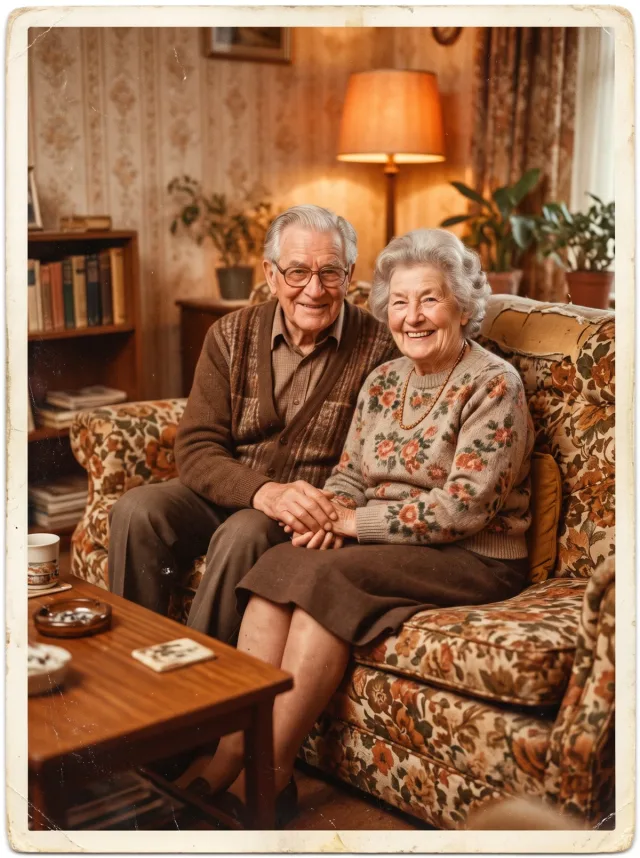
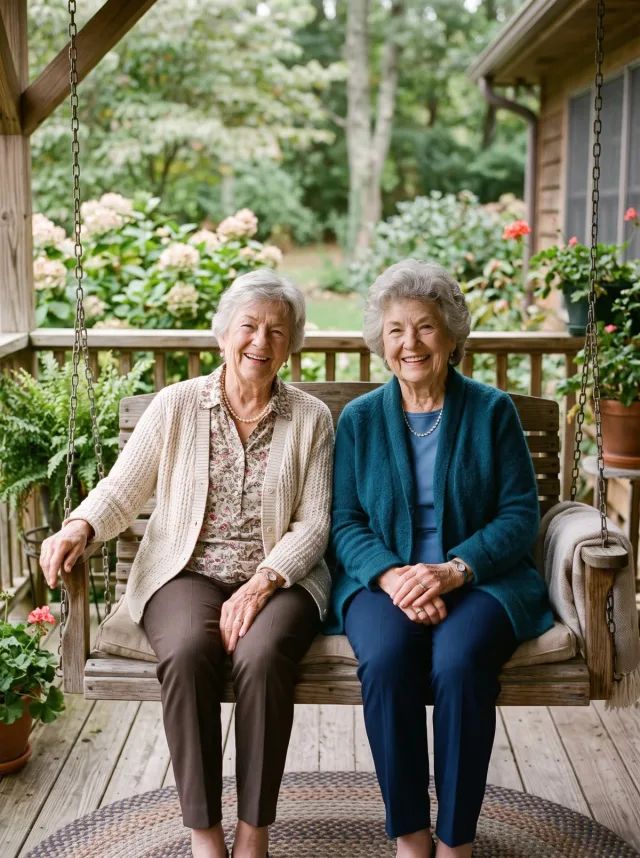
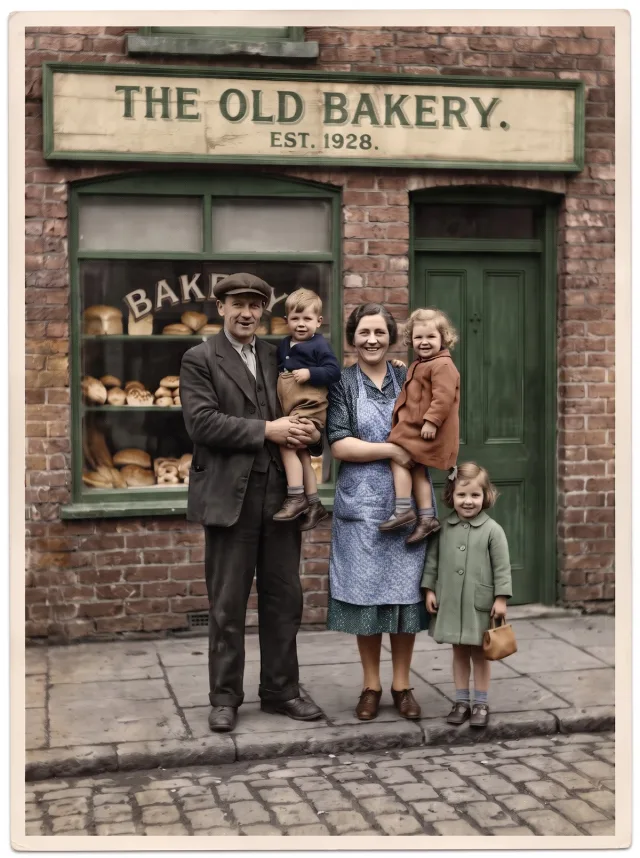
Old family photo comes to life
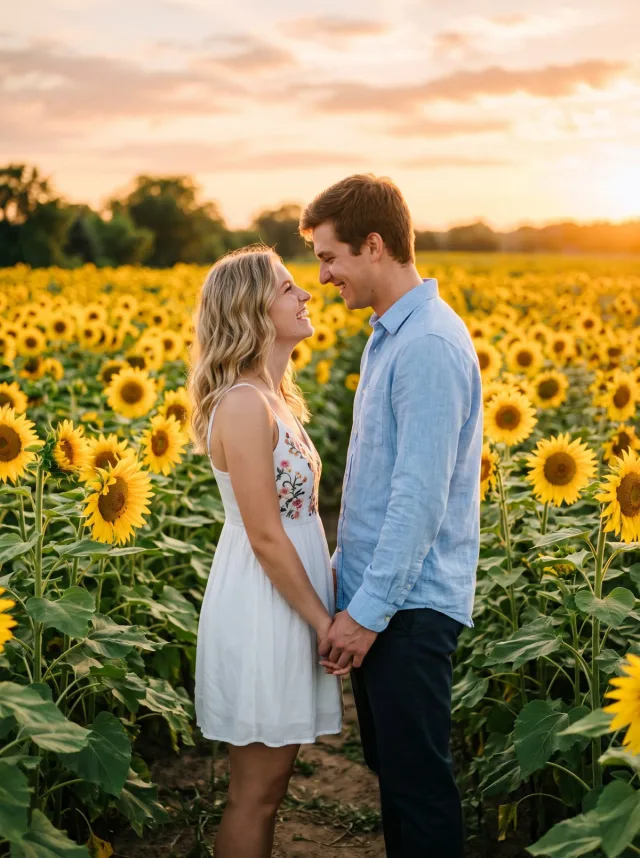
“She turns and smiles at him, he pats her hand and laughs softly.”
Try this motion Smile & blink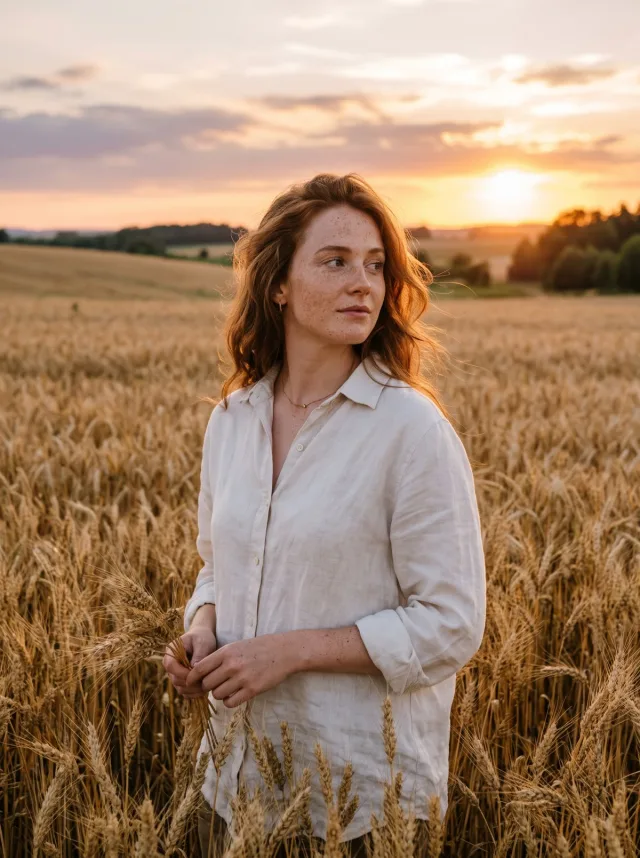
Portrait with a smile and a blink
“Wind moves through her hair and the wheat, she turns and smiles.”
Try this motion Bring to life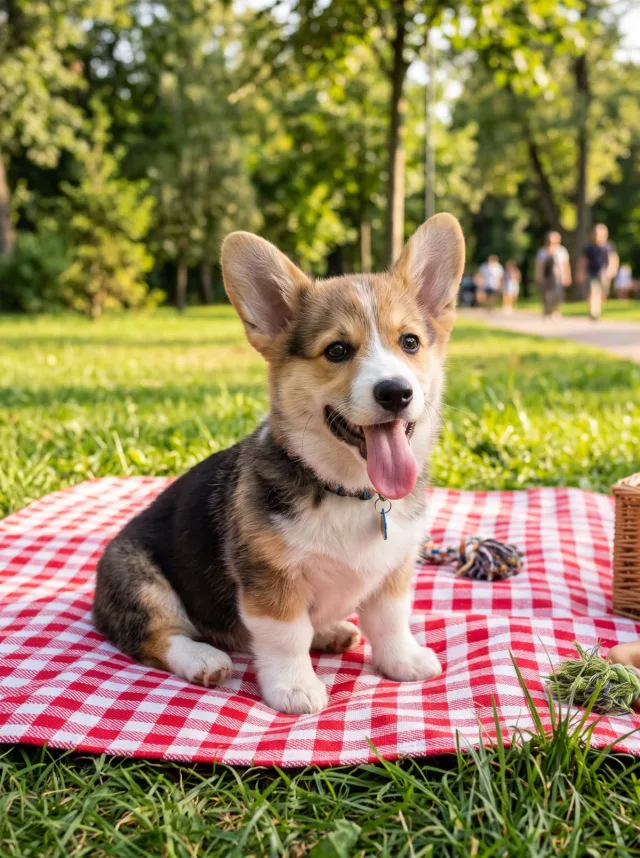
Puppy photo turned into a video
“The puppy tilts its head, wags its tail and gives a happy bounce.”
Try this motion Hug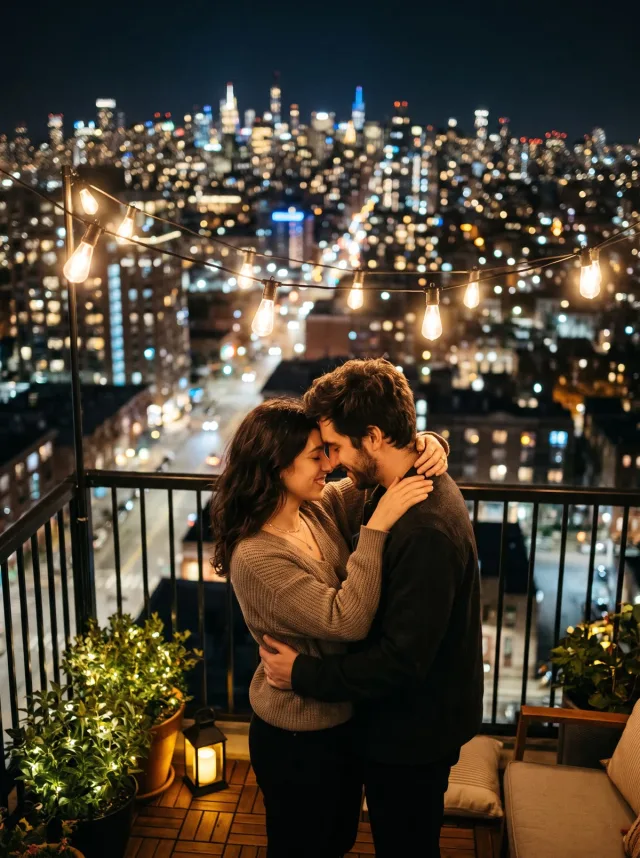
Couple photo with a hug
“They laugh, he pulls her into a hug and sways, the lights twinkle.”
Try this motion Animate the scene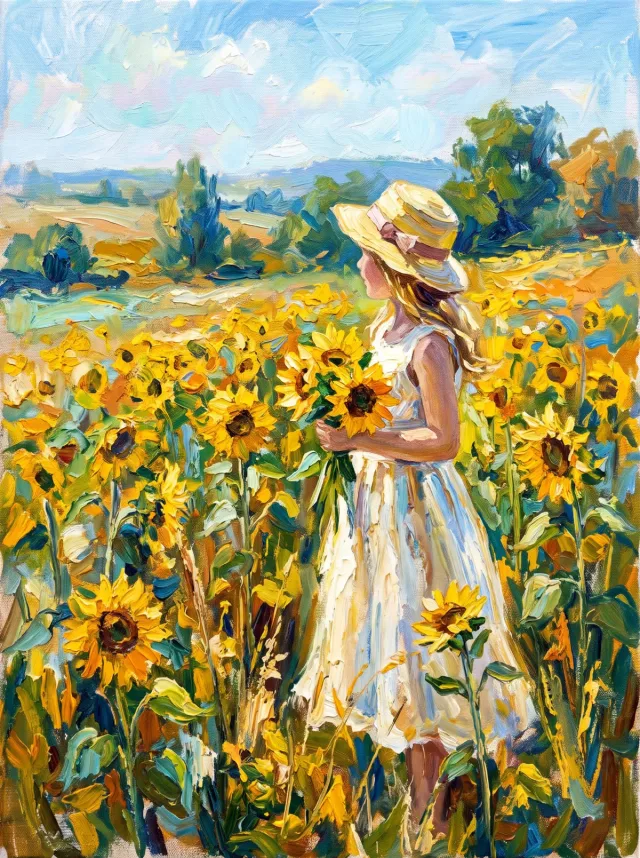
Painting that moves
“The sunflowers sway, her dress ripples, she holds her hat.”
Try this motion Camera push-in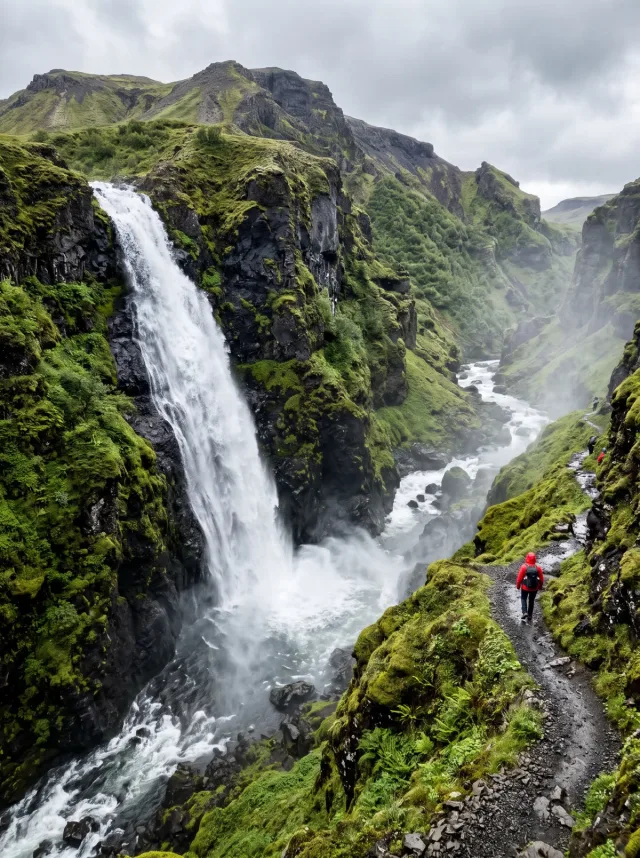
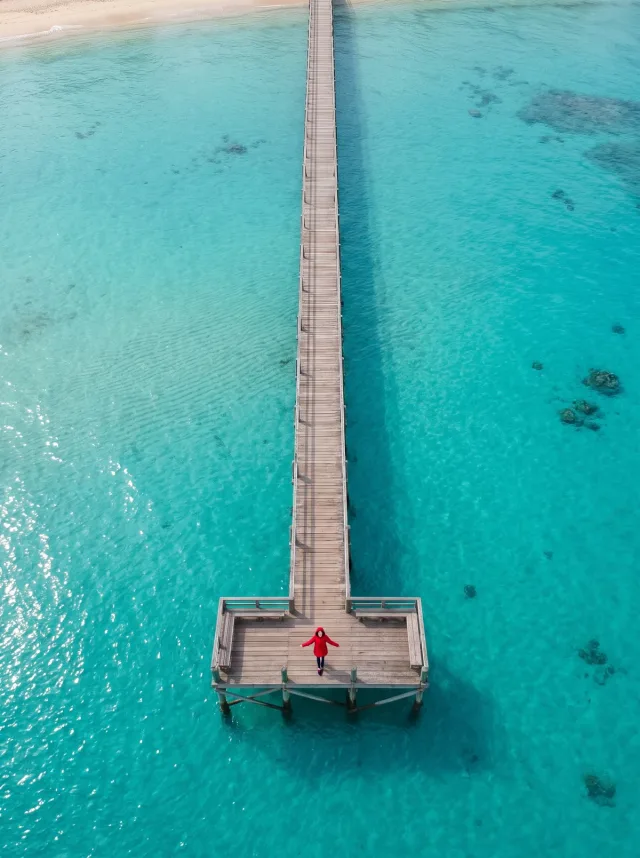
Landscape with a camera push-in
“The waterfall pours, mist rolls up, the camera pushes in.”
Try this motion Animate the scene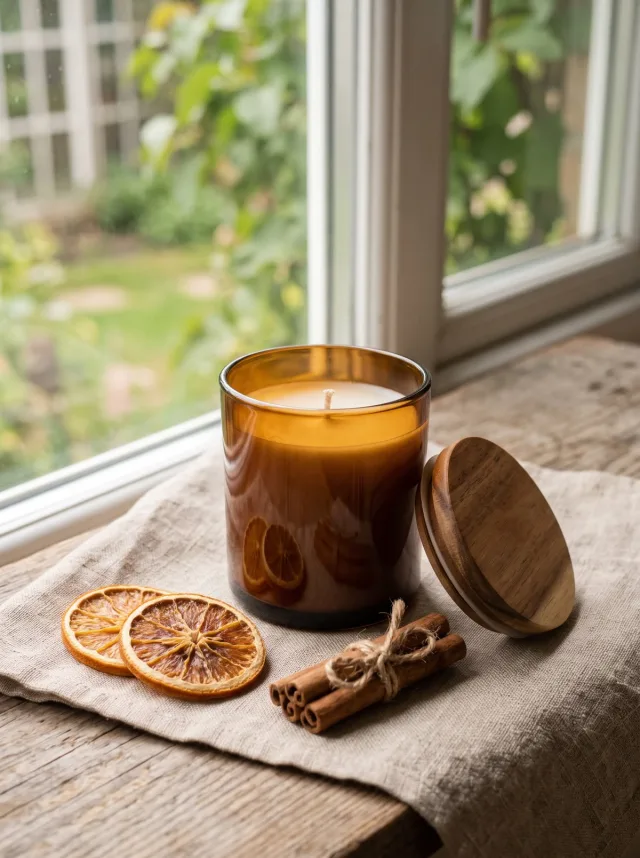
Product photo for an ad
“The wick catches, the flame flickers, smoke curls up, slow orbit.”
Try this motion Bring to life
Anime art in falling snow
“Snow falls, her scarf flutters, she breathes out and looks up.”
Try this motionWhat does it mean to animate a photo with AI?
To animate a photo with AI means turning a still picture into a short video in which the people, animals or scene really move: a smile, a blink, a turn of the head, hair in the wind, water running. Nothing is filmed again. An AI video model starts from your photo as the first frame and draws what happens next.
On AnimatePhotos you upload a photo, pick a motion or describe it in one line, and the AI photo animator makes a 5 to 8 second clip. Your first animation is free.
One-tap photo effects
Kisses, hugs, dances and more. Pick an effect, add a photo, and the motion is already written for you. Each one is a 5-second clip.
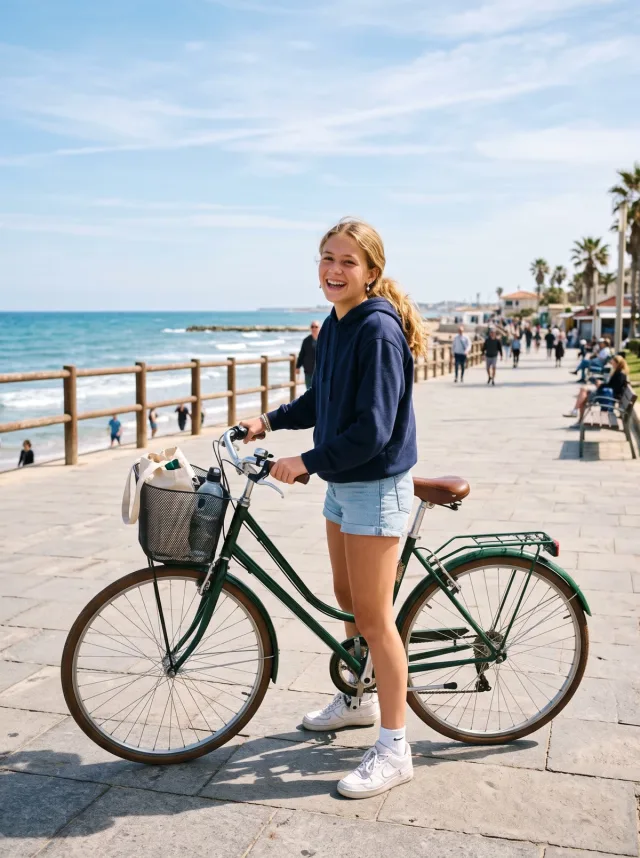
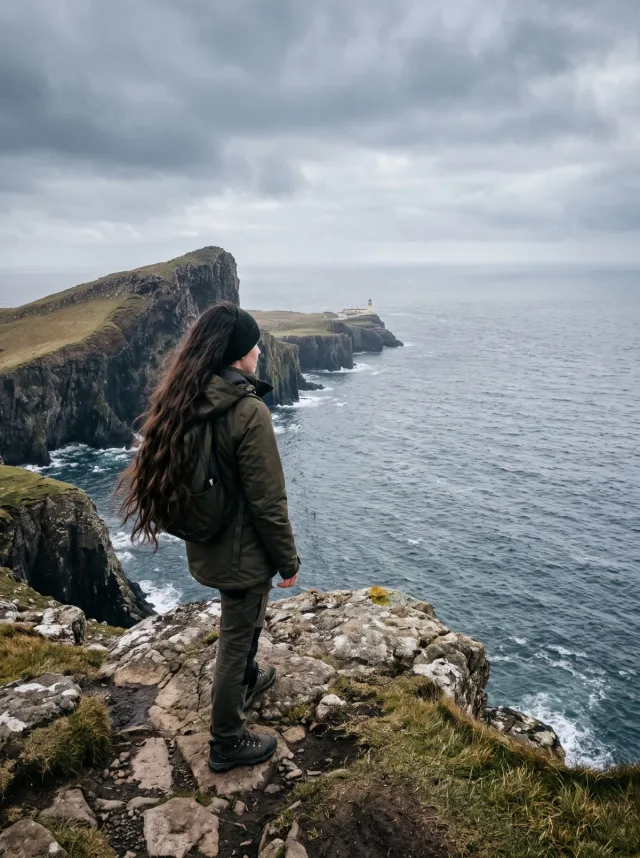
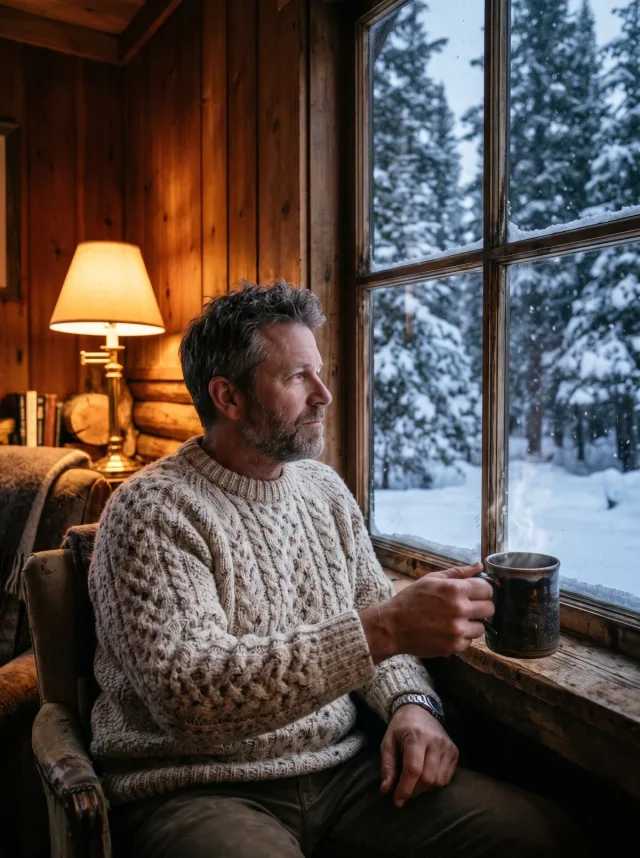
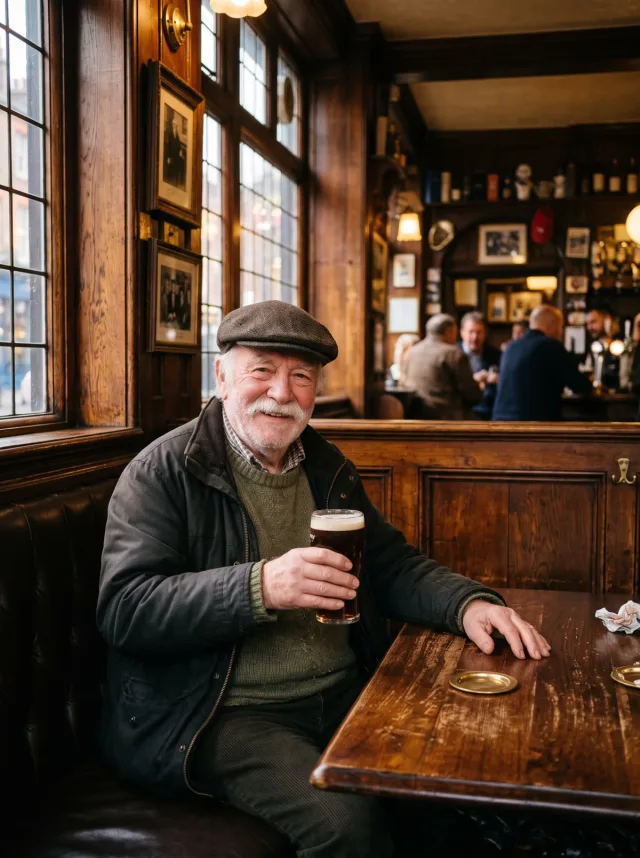
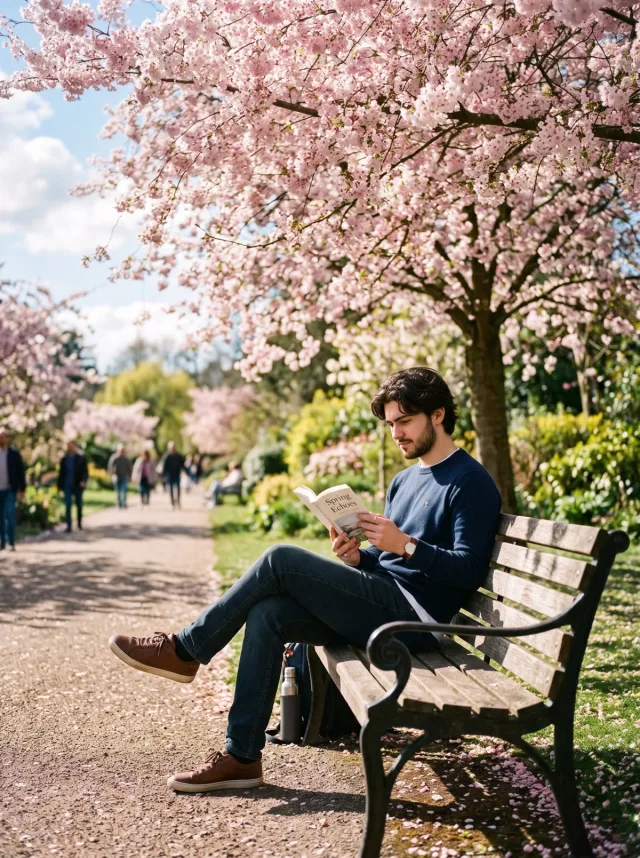
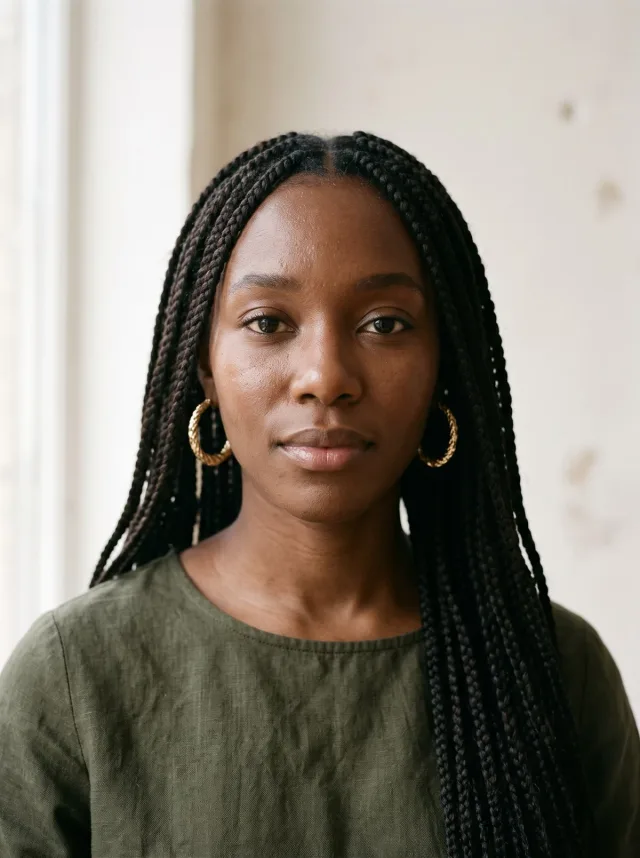
How to animate a photo with AI in 3 steps
No editing skills and no app to install. Animate photos on your phone or computer the same way.
corgi-picnic.jpg2.4 MB · uploadedUpload a photo
Drop in a JPG, PNG, WEBP or HEIC up to 20 MB, or paste it straight from your phone.
Pick a motion
Tap a ready-made motion, or write one line about what should move. We can polish it for you.
Download and share
Save the clip as an MP4. Our free Video to GIF and Live Photo Maker turn it into a looping GIF or an iPhone Live Photo.
Animate any picture: old photos, portraits, pets and art
Pick the kind of photo you have to see how it moves, then try it on your own picture.
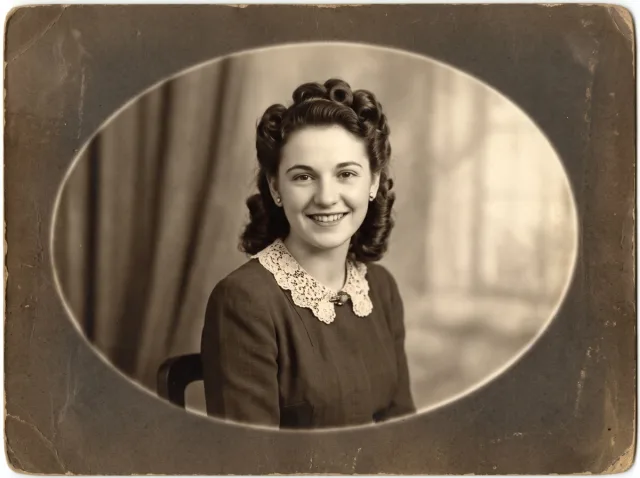
Old photos
Scans of prints, slides and Polaroids. Restore and colour them first if you like, then let them move.
Animate old photos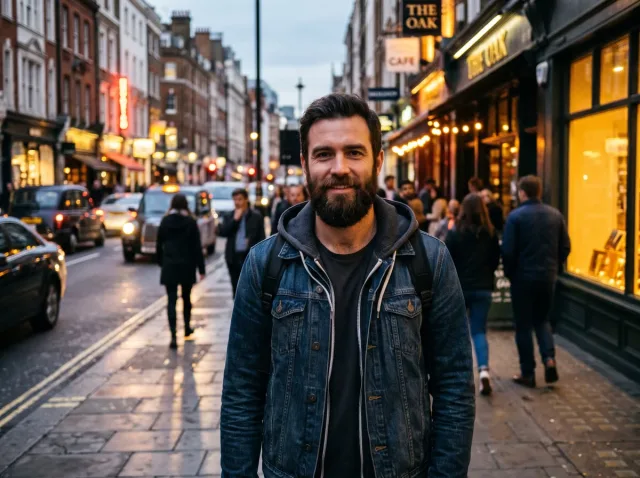
Portraits and selfies
A blink, a smile, a turn of the head. The face stays the same person all the way through.
Photo animator
Pets
Ears twitch, tails wag, whiskers move. Works best when the whole animal is in the frame.
Animate pet photos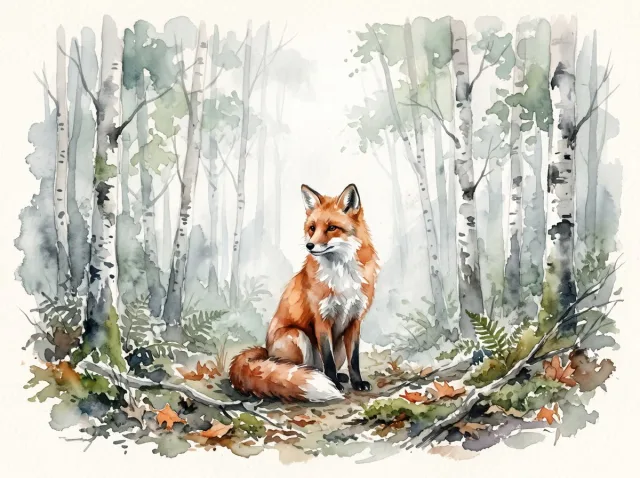
Paintings and drawings
Oil, watercolour, anime and comic art keep their brushstrokes while the scene comes alive.
Animate a picture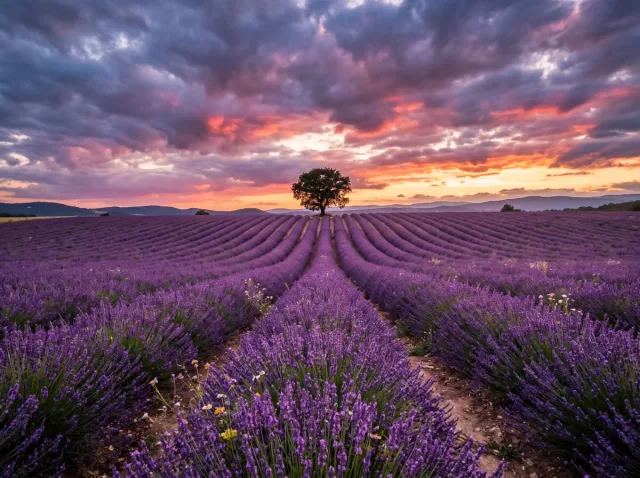
Landscapes
Clouds drift, water runs, the camera glides in. Good for travel photos and wallpapers.
Make a photo move
Product shots
A slow orbit, a light sweep, steam or a flame. Short loops for shop pages and ads.
Animate an imageMotion prompts that work
Short, plain lines about what should move. Tap one to put it in the box with your photo, then change any word you like.
“They turn to each other and smile, she rests her head on his shoulder.”
Use this prompt Portrait“She blinks slowly, smiles, and a light breeze lifts her hair.”
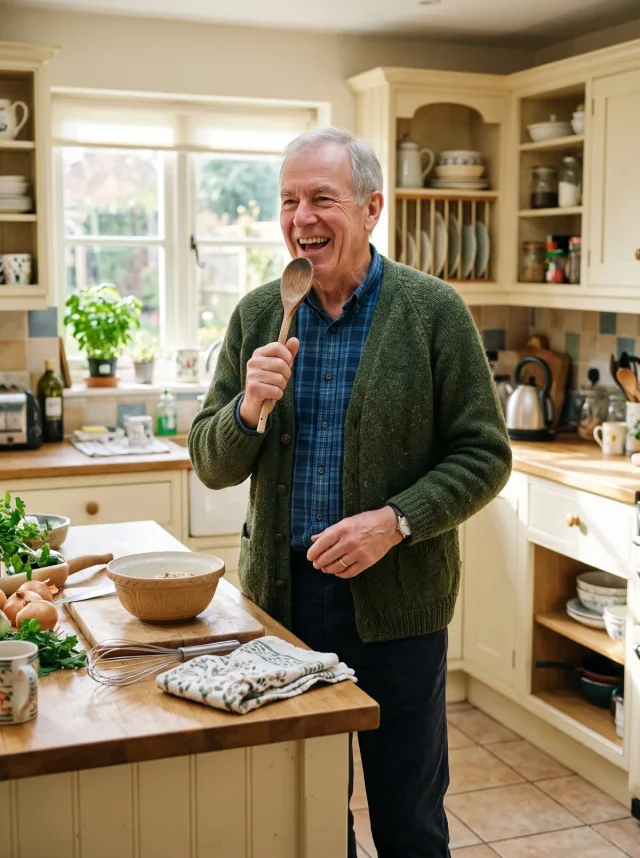
Use this prompt Selfie“He laughs, looks away for a second, then back at the camera.”
Use this prompt Pet“The dog tilts its head, ears perk up, its tail wags fast.”
Use this prompt Couple“They hug, sway slowly, and he kisses her forehead.”
Use this prompt Painting“The clouds drift, the grass sways, her dress ripples in the wind.”
Use this prompt Landscape“Slow camera push-in, the river flows, birds cross the sky.”
Use this prompt Product“Slow orbit around the bottle, a soft light sweeps across the label.”
Use this prompt Anime art“Snow falls, her scarf flutters, she breathes out and looks up.”
Use this promptName who moves and how, keep it to one or two actions, and say what the camera does. Not sure? Press Enhance and we add the camera and pace for you.
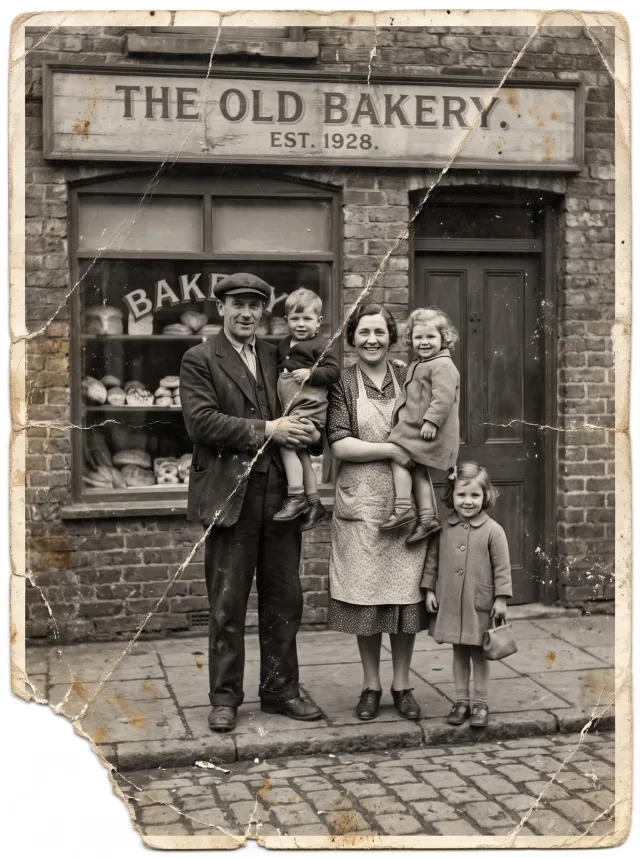
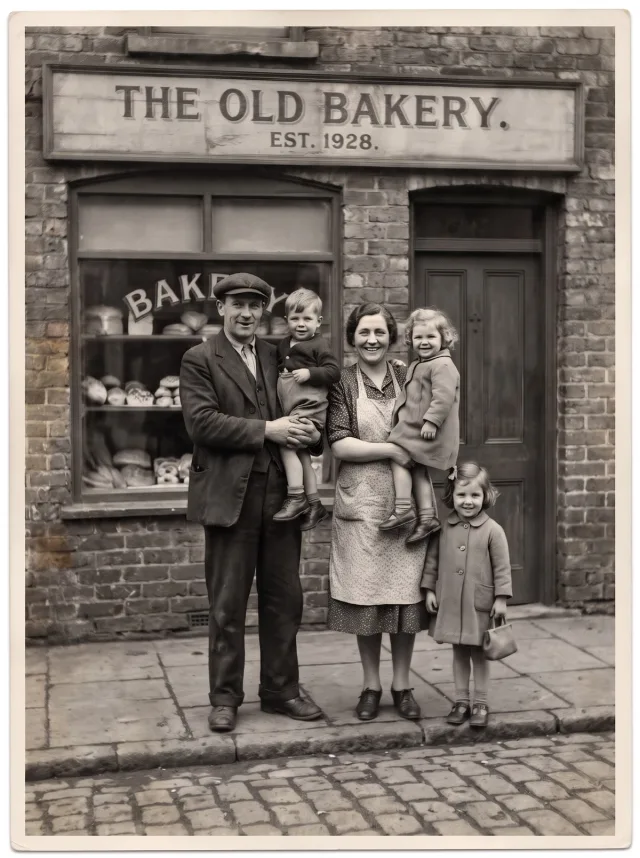
Animate old photos: restore, colorize, then move
Fix the creases and stains, add natural colour, then let the people in it smile and wave again. Three tools, one photo, all in one place.
Make a photo talk
Upload a clear face, type what it should say and pick a voice. The lips, eyebrows and head move with the words, so a birthday wish or a family story sounds like it comes from the photo.
- Type up to 200 characters, or record your own voice up to 30 seconds
- Six voices to pick from
- Works on portraits, paintings and old photos
 “Happy birthday, love. The whole café says hi!”
Pick the AI model for your photo
Nine video models under one account. Every model shows its price before you start; MiniMax H3 is the default and the cheapest. Each clip below is a real run.
MiniMax H3
Everyday photos, faces and family moments
Grok Imagine Video

Quick, lively action at a low price
Seedance 2 Mini

Smooth, steady camera moves
Wan 3.0

Busy scenes with sound
Hailuo 2.3

Feelings and small expressions
Veo 3.1 Fast

Weather, water and real sound
Seedance 2
Cinematic orbits and product shots
Kling 3.0

Fast action, sport and dance
AI photo animation vs other ways to make a photo move
A Live Photo, a GIF or a pan-and-zoom edit can all make a picture feel alive. Only an AI photo animator makes the people in one old photo move.
| AI photo animator | iPhone Live Photo | GIF from several photos | Video editor (pan and zoom) | |
|---|---|---|---|---|
| Works from one old photo | must be shot as a Live Photo | needs several shots | ||
| People really move (smile, blink, turn) | only what was filmed | jumps between frames | the camera moves, not the people | |
| Choose what moves | with a motion prompt | |||
| Skill needed | none | none | a little | a lot |
| Adds motion that was never filmed | ||||
| Saves as | MP4, plus our free GIF and Live Photo tools | Live Photo only | GIF only | MP4 only |
Who animates photos with AI
Most people who animate photos start with one picture that matters. Here is what they make.
Families keeping memories
Grandparents smiling again in a wedding print, played at a birthday or a memorial.
Creators and social media
Turn a still into a Reel, a TikTok or a Story loop that stops the scroll.
Pet owners
A wagging tail or a head tilt from a favourite photo, kept as a Live Photo lock screen.
Gifts and greetings
An animated couple photo for an anniversary, or a talking birthday card.
Shops and small brands
Product photos that orbit, steam or glow, for shop pages and ads, with commercial use.
Artists and illustrators
Paintings, anime and comic panels that move while keeping their style.
Fair, simple and yours to keep
Credit packs never expire
Buy once and use them next week or next year. Plans refill every month.
Failed runs refund themselves
If a clip fails, the credits go back on their own. No ticket needed.
Light or dark
Switch the whole site with one tap in the top bar.
Every price up front
The model, length and credits sit on the button before you click.
Balcony hugMP4Grandma and GrandpaMP4Your clips wait for you
Every clip is saved in My Creations as an MP4, ready to download again.
Yours to use
No watermark on any clip, the free one included, and they can go in ads.
Free GIF and Live Photo tools
They run in your browser: no upload, no sign-up, no watermark.
Cut the background out of a GIF, frame by frame.
Free Video to GIFTurn a clip into a GIF you can post anywhere.
Free GIF CompressorMake a GIF small enough to send or upload.
Free Live Photo MakerTurn a video into a Live Photo for your iPhone.
Free Live Photo to VideoSave the moving part of a Live Photo as a video.
Free Video Frame ExtractorPull sharp stills out of any video.
Free Photo to GIFPut a few photos together into one looping GIF.
Free GIF to MP4Make a small MP4 from a GIF for Reels and Stories.
FreePlans that go further
One free animation to start. After that, about 20 cents a clip on the Basic plan.
Basic
Billed monthly
- Up to 50 animations with MiniMax H3 at 480p
- Or up to 8 Kling 3.0 clips at 720p
- Or up to 8 Veo 3.1 Fast clips with sound
- Credits refill every month
- 1 video at a time
- Every model, up to 1080p
- No watermark, commercial use
- Kept while you use AnimatePhotos
- Failed runs give credits back
- Cancel anytime
Pro
22% less per creditBilled monthly
- Up to 160 animations with MiniMax H3 at 480p
- Or up to 25 Kling 3.0 clips at 720p
- Or up to 28 Veo 3.1 Fast clips with sound
- Credits refill every month
- 3 videos at a time
- Every model, up to 1080p
- No watermark, commercial use
- Kept while you use AnimatePhotos
- Failed runs give credits back
- Cancel anytime
Premium
29% less per creditBilled monthly
- Up to 357 animations with MiniMax H3 at 480p
- Or up to 57 Kling 3.0 clips at 720p
- Or up to 62 Veo 3.1 Fast clips with sound
- Credits refill every month
- 5 videos at a time
- Every model, up to 1080p
- No watermark, commercial use
- Kept while you use AnimatePhotos
- Failed runs give credits back
- Cancel anytime
New here? Animate one photo free.Confirm your email and get 43 credits: one 5-second animation at 768p, no watermark. No card needed.
Start freeFailed runs give credits back·Pack credits never expire·14-day refund on your first payment
 Secure checkout by Stripe


 + more at checkout
Guides to animating photos
Tested tips for anyone who wants to animate photos, written for people who have never made a video.
How to animate a photo with AI
Step by step, with the prompts and settings we use for faces.
12 min read 02Free ways to animate a photo, compared
What you really get for free on each kind of tool, and which ones add a watermark.
8 min read 03How to animate old family photos
Scanning, restoring and colouring before you add motion.
7 min read 04How to make a photo talk
Picking a face, writing the line and choosing a voice.
8 min read 05Turn a Live Photo into a video
Get the moving part of an iPhone Live Photo out as a clip you can share.
6 min read 06Kling vs Seedance vs Veo for photos
The same three photos through each model, side by side.
8 min readAI photo animator FAQ
The questions people ask most before they animate a photo.
Can I animate a photo with AI for free?
Yes, once. Confirm your email and you get 43 free credits, enough for one 5-second animation at 768p, with no watermark. Paid plans start at $9.90 a month.
How does AI animate a photo?
An AI video model looks at your photo, works out the people, animals and scene in it, and draws the frames that come next: a blink, a smile, hair in the wind, water running. Your motion prompt tells it what should move. The first frame is your photo, so the person stays the same person.
What is the best AI photo animator for faces?
For most faces, start with MiniMax H3. It is our default at 43 credits a clip and keeps faces steady. Hailuo 2.3 is better at small expressions, Kling 3.0 at fast movement and dance, and Veo 3.1 Fast adds real sound.
Can I animate a picture or an image, not just a photo?
Yes. Paintings, drawings, anime art, scans and AI-made images all work. Art keeps its brushstrokes or line style while the scene moves. Logos and screenshots with lots of text move least well.
Does it work on old or black-and-white photos?
Yes. Scan the print or take a straight, glare-free photo of it. If it is creased or black and white, run Photo Restoration first (Repair and add color does both), then animate it with the Bring to life motion.
Can I make a photo talk?
Yes. Open Talking Photo, upload a clear face, type up to 200 characters or record your voice, and pick one of six voices. The lips, eyebrows and head move with the words.
How long does it take to animate a photo?
Most clips are ready in one to three minutes; bigger models take longer. You can leave the page: the clip waits for you in My Creations.
Do the videos have a watermark?
No. Free or paid, every animation downloads without a watermark.
Can I download it as a GIF or a Live Photo?
Every animation downloads as an MP4. Our free Video to GIF tool turns it into a looping GIF, and Live Photo Maker into an iPhone Live Photo you can set as a lock screen.
Can I use animated photos for business?
Yes. Clips made with paid credits can go in ads, shop pages and social posts. Only upload photos you have the right to use.
What photos work best?
A JPG, PNG, WEBP or HEIC up to 20 MB, with one clear subject, a visible face or body and some space around it. Very small, blurry or heavily cropped photos give weaker motion.
How long do you keep my photos?
On the free credits, what you make stays in your Studio for 30 days, so download the ones you want to keep. On a plan or with a pack, it is kept while you use AnimatePhotos and for 90 days after.
What if an animation fails?
The credits go back to your balance on their own, no ticket needed. If you bought a plan or pack and have not used it, you can ask for a refund within 14 days.
Can I animate photos on my phone?
Yes. The site works in Safari and Chrome on iPhone and Android: upload from your camera roll and save the result straight back as a video. There is no app to install.
Your first animation is on us
Confirm your email and animate one photo with AI for free. No card needed, and the clip is yours to keep.